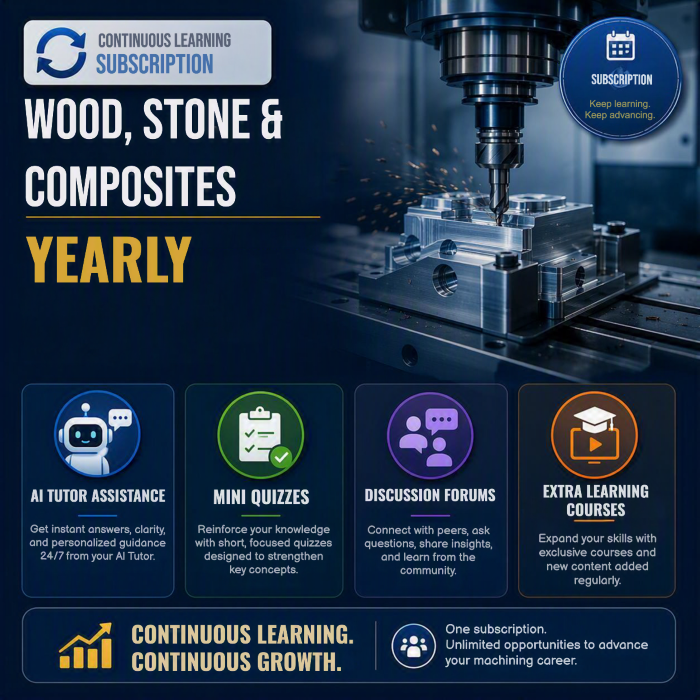
Learning Paths are curated sequences of courses designed to guide learners through a focused learning journey. By grouping related courses, certifications, and modules, our Learning Paths help students build skills systematically. Whether you're advancing your career, exploring a new field, or mastering a specific topic, our Learning Paths provide a clear and engaging pathway to success.
A clear, ordered route through related courses.
Earn a certificate when you complete the path.
See where you are and what's next at any time.

No prerequisites are required for this certification.
This optional module explains the methods and options required to create a working representation of your actual machine to be used during simulation within ALPHACAM.
This optional module explains using the 3D Engraving cycle to produce Engraved and Embossed details within the ALPHACAM environment.
Toolholder Creation is an optional module for those who would like to represent the tooling in ALPHACAM and the holder details. Working in close proximity to your parts of performing multi-axis machining can benefit from applying tool holders.
In this course, you will learn how to use the different Catalogs in the System Level of CABINET VISION. These Catalogs are the foundation for everything that happens within the program.
In this course, you will learn about the different Preference options, the Job Properties at the beginning of a job, and the Job and Room Properties found within a job.
Once you start a job, there are several menus and toolbars that you need to be aware of. This course will help you become more familiar with these options.
No resources available for this course yet.