AM STUDIO - for CREO - Block Gusset
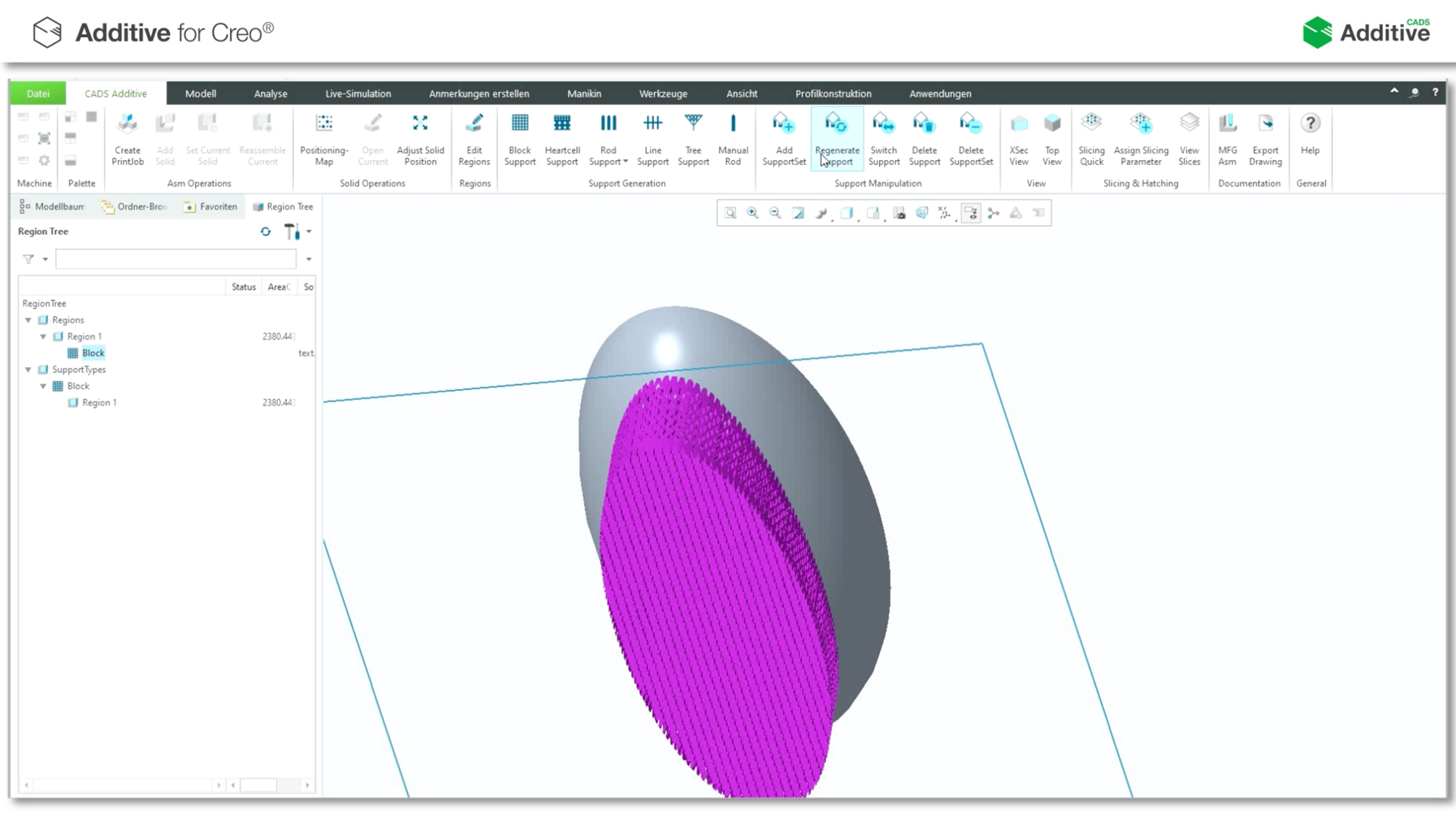
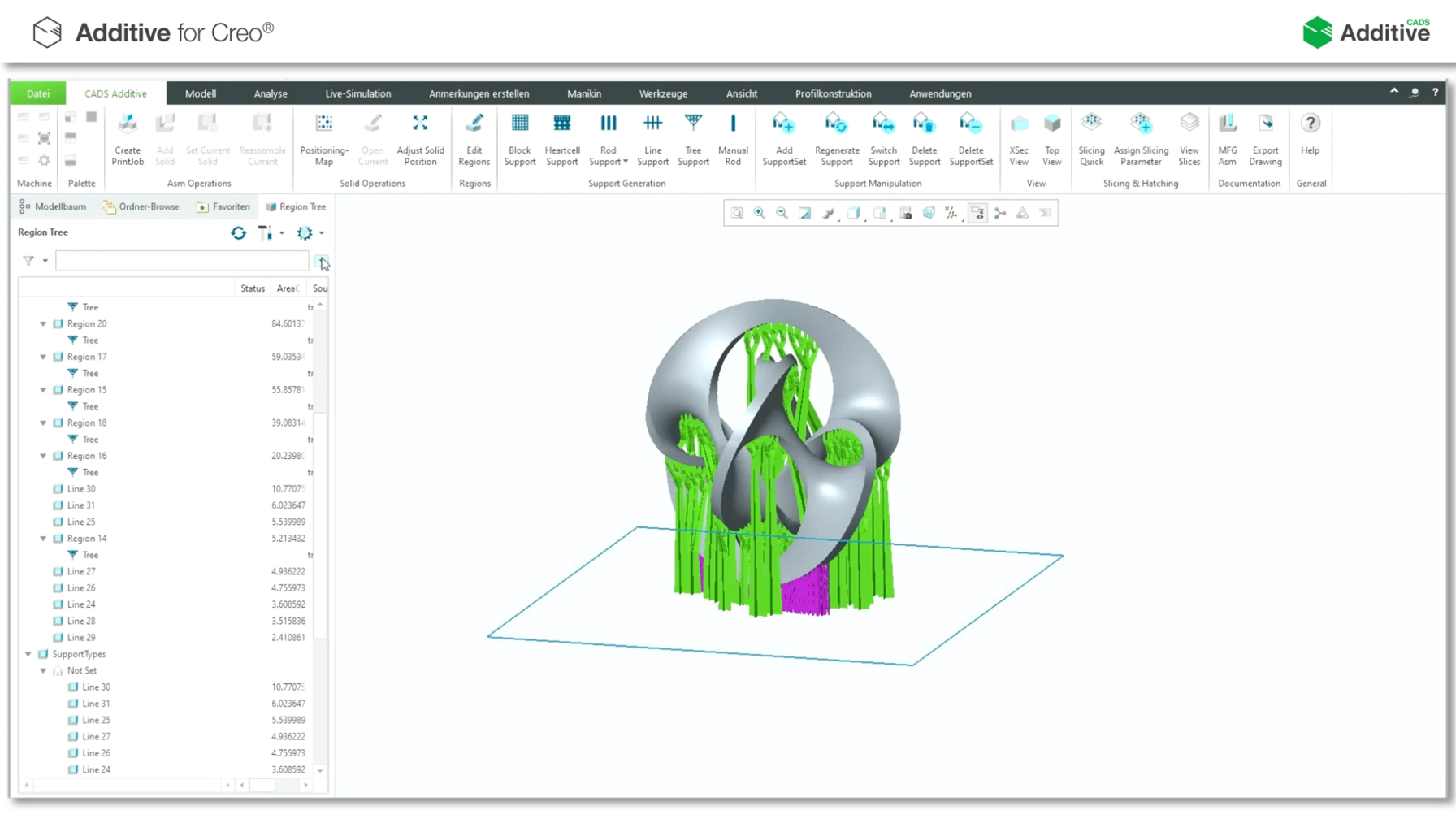
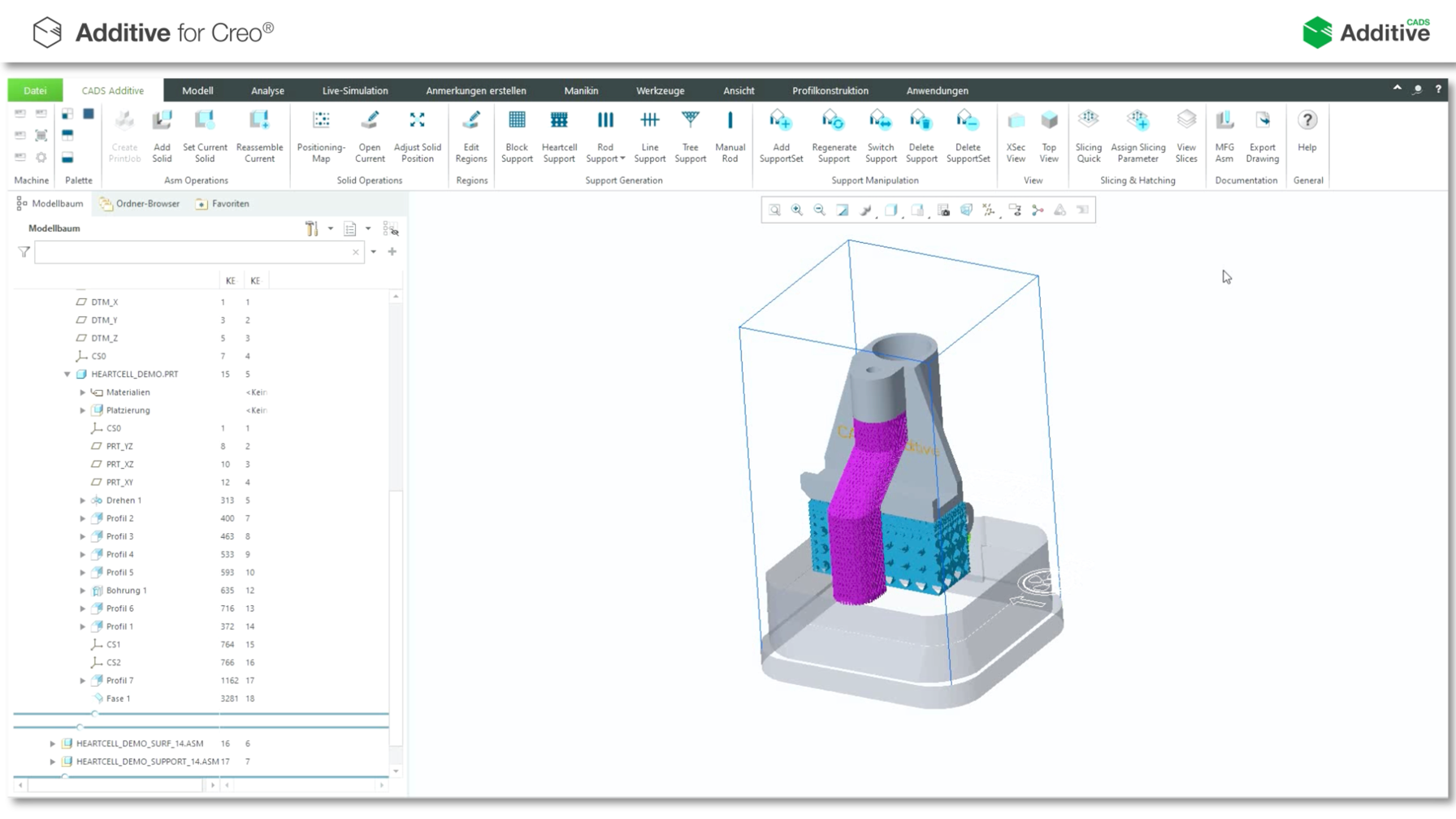
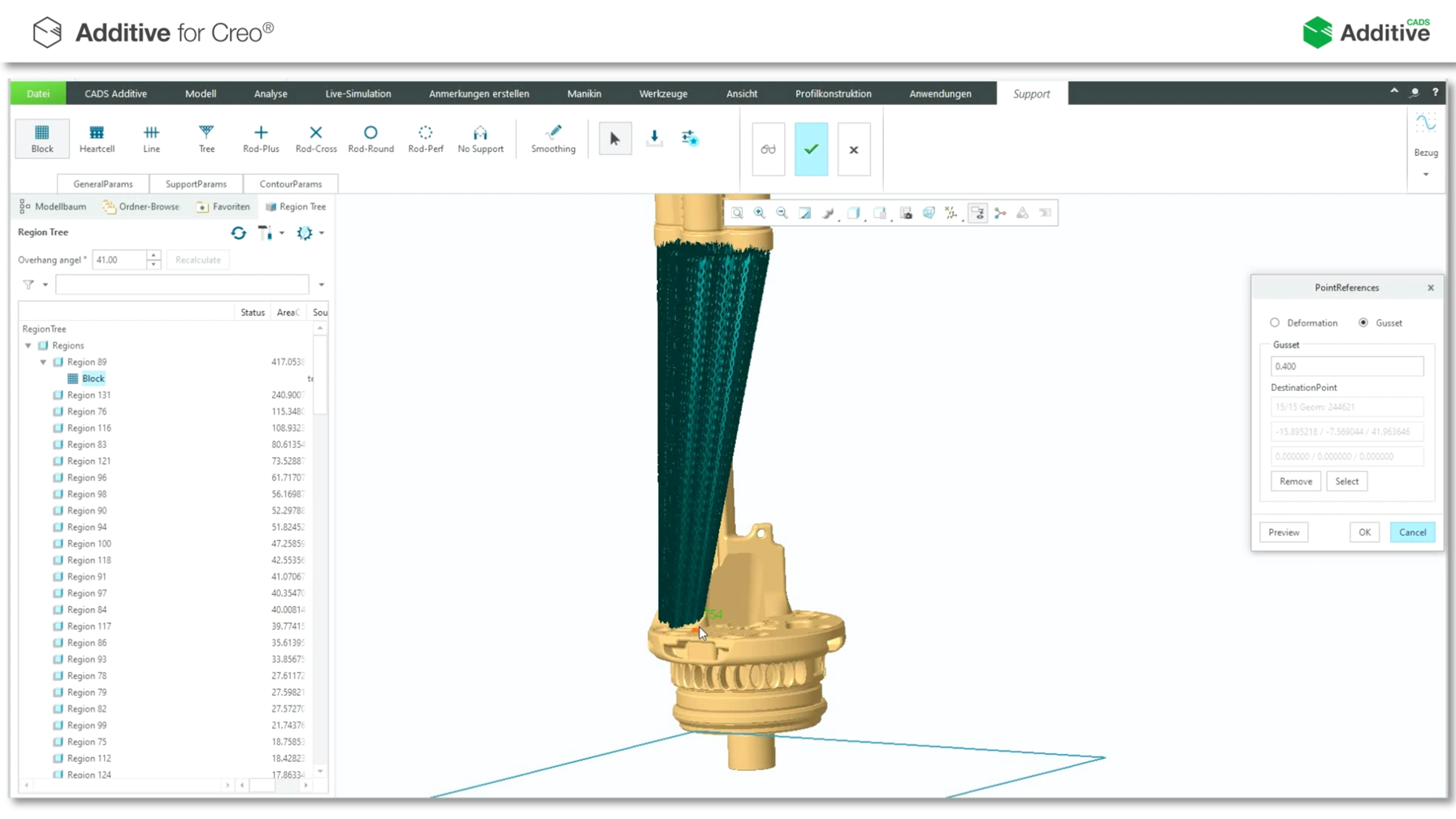
Saving of material and construction time by optimizing the support geometry of the block. The required support is tap...
Saving of material and construction time by optimizing the support geometry of the block. The required support is tap...
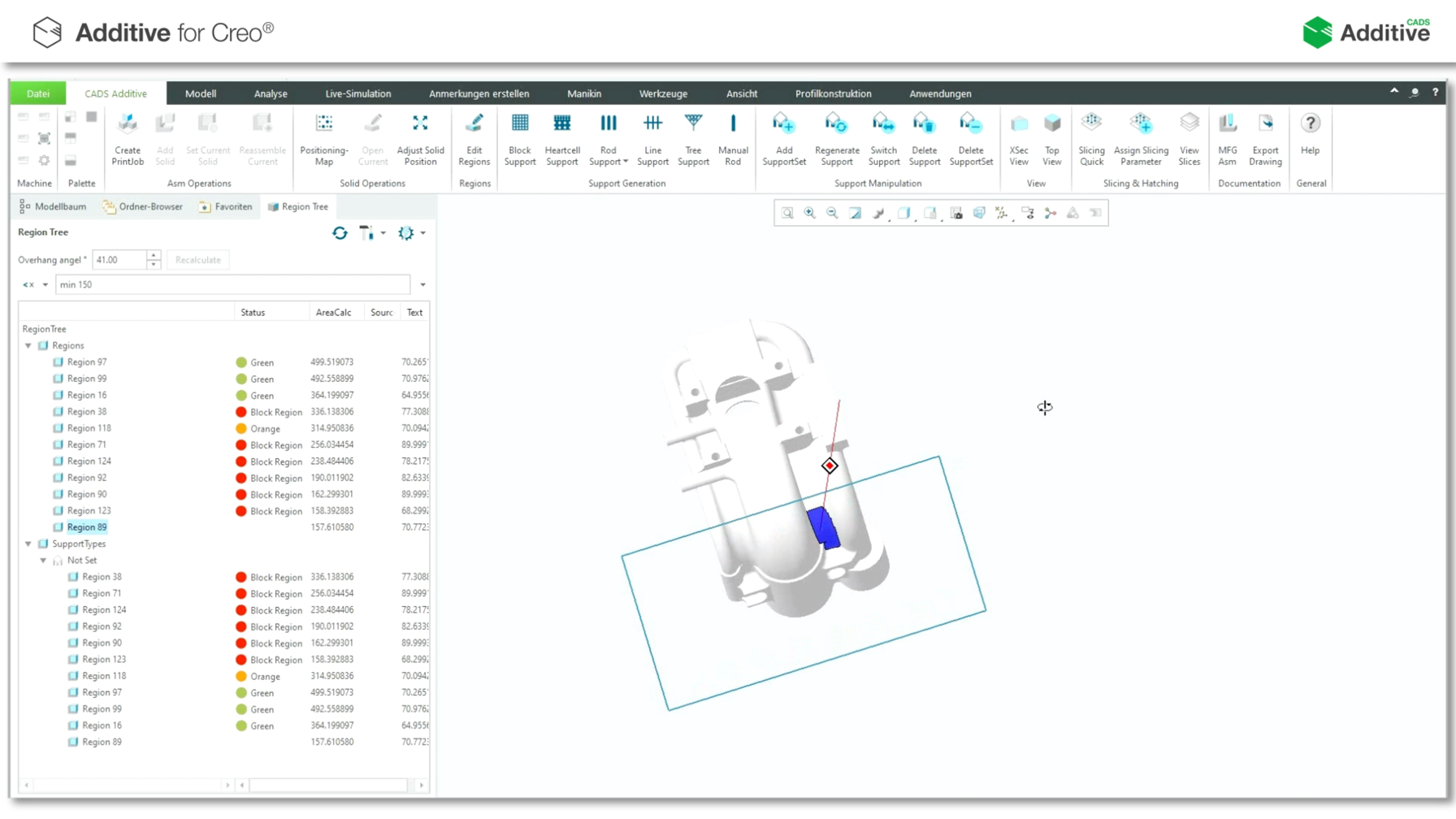
Assignment of the optimal support geometry using the Model Tree. Calculated support regions can be filtered according...
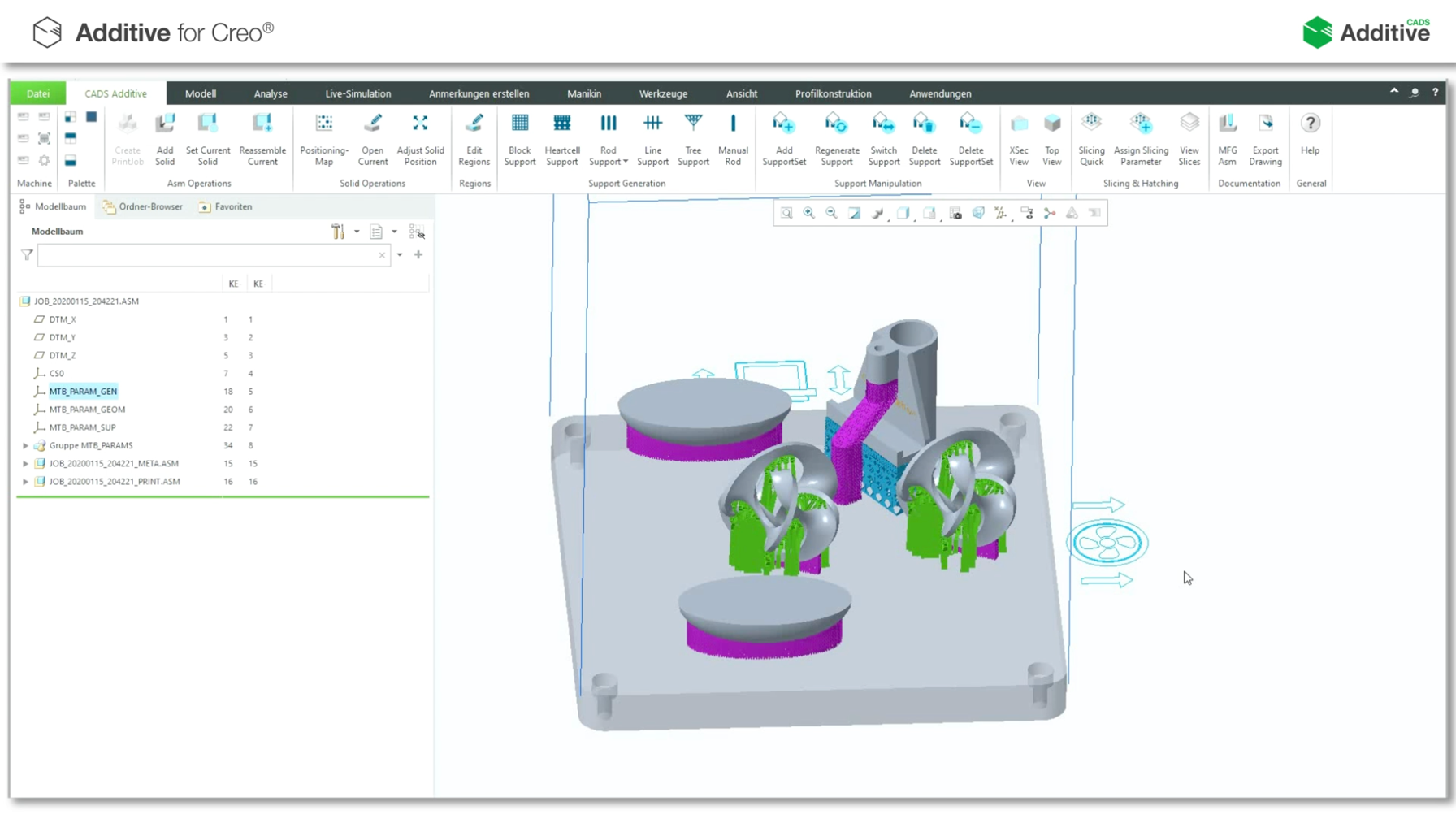
Creation and selection of the desired machine. In this print job, the components already prepared and equipped with s...
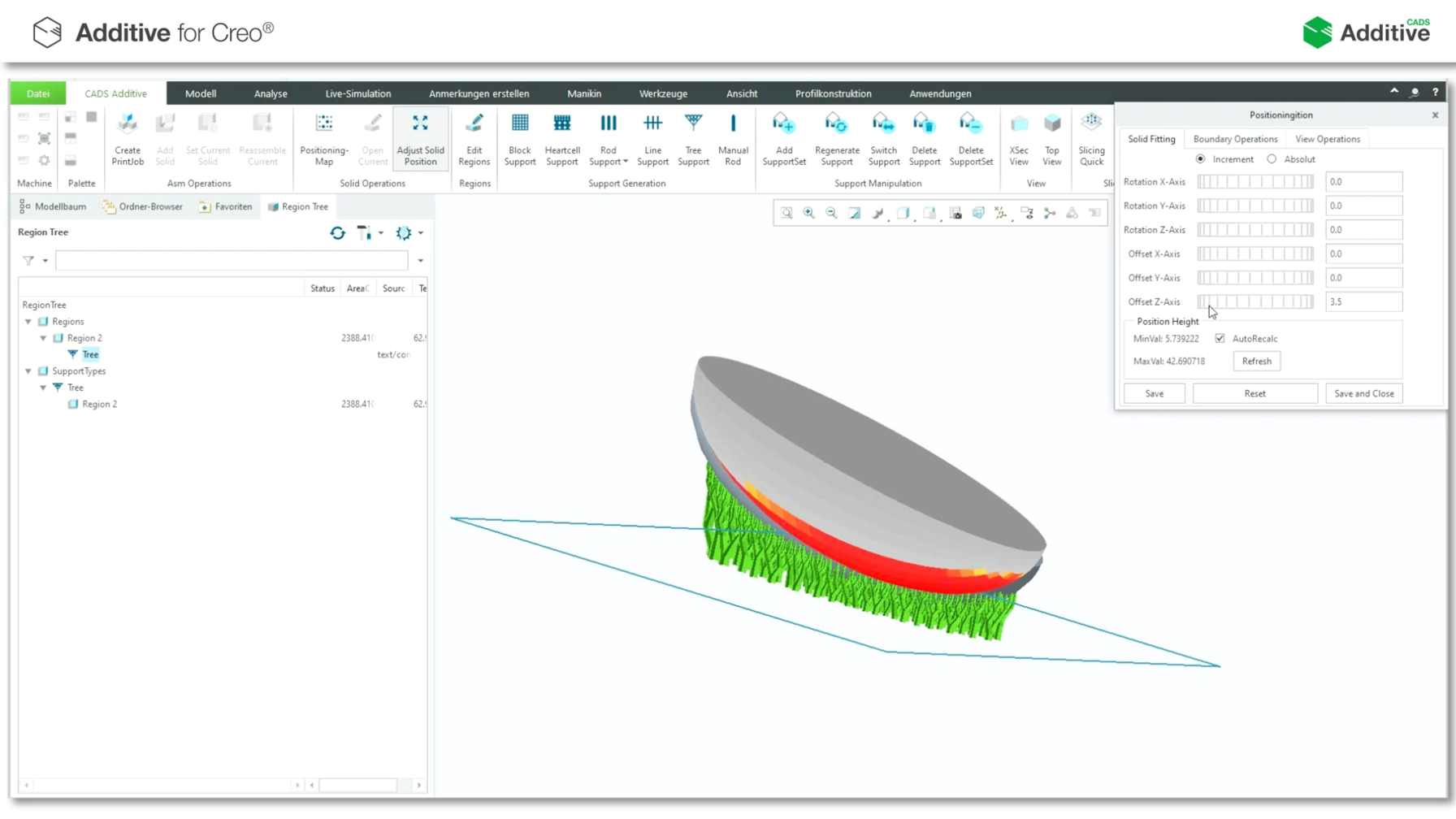
By interpolating the triangles created in the support, rounded geometries are created, and improved buildability is g...
Creation of several individual settings of a component. Several support geometries can be assigned to a single compon...
Creation of a support consisting of several geometries on a component. The Line Thickening function can be used to in...
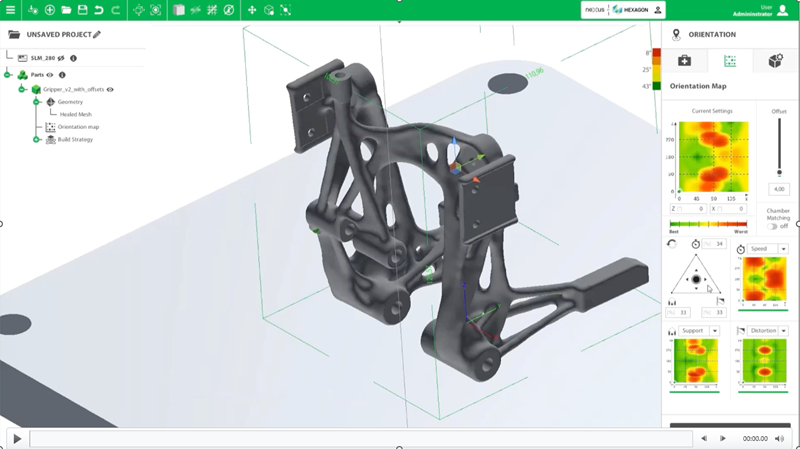
Description of loading of the component and selection of the desired machine, the appropriate configuration of AM-LOC...
Learn more about the following key aspects:Easy to use Data preparation for Metal Powder Bed Fusion Printing Workflow...
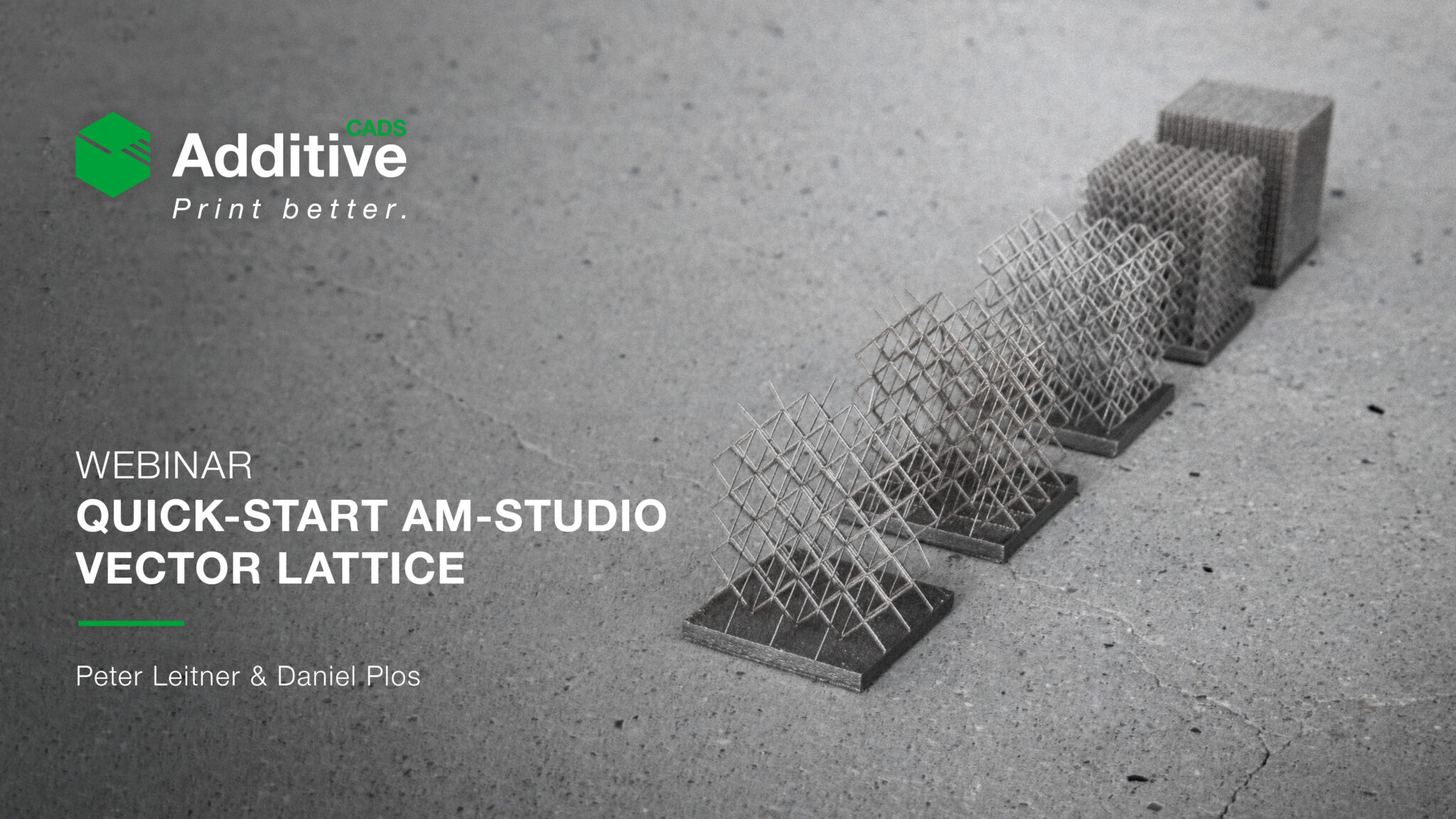
In this episode of our weekly virtual training series, Quick-Start to AM-Studio, you'll learn more about our powerful...
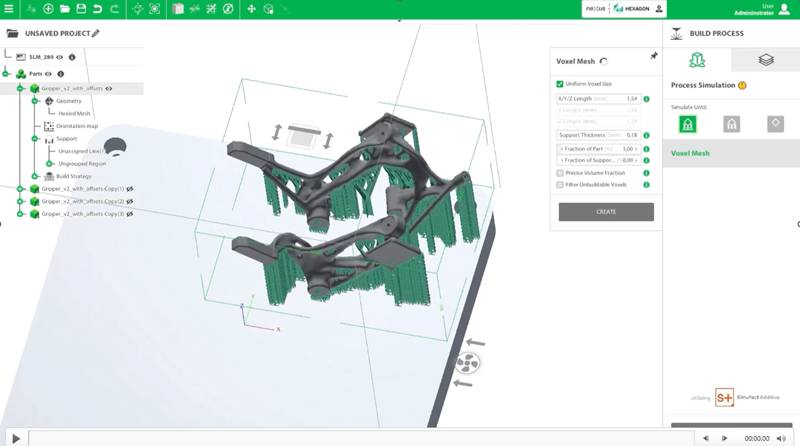
Learn more about the following key aspects:Basics of Inherent Strain SimulationSeamless enbeded in data preparation s...
In this course, you will learn how to use the different Catalogs in the System Level of CABINET VISION. These Catalo...
In this course, you will learn the different construction setups.
In this course, you will learn about the different Preference options, the Job Properties at the beginning of a job, ...
Once you start a job, there are several menus and toolbars that you need to be aware of. This course will help you ...
In this course, you will learn about the different right-click options available within the Room level of CABINET VIS...